


Documentation is the cornerstone of any company. It helps teams of all sizes share information internally and externally. Companies have transitioned to online documentation tools for product documentation, user guides, and user manuals so that new and repeat customers can access these documents online, from virtually anywhere. Many companies also use password-protected documentation within their organization to help train, inform and maintain projects, such as API documentation, within productive teams.
The documentation platform landscape has evolved dramatically. AI-powered features are now standard across leading platforms, with capabilities ranging from basic content generation to sophisticated video-to-documentation conversion. Several major platforms have restructured their pricing models—most notably Document360's discontinuation of its free tier—making it critical to understand current offerings before committing to a platform.
We have analyzed the latest features, pricing plans, and support policies for each documentation platform. This guide reflects current pricing and features.
What Are The Top Online Documentation Platforms?
- Docsie: Best for AI video-to-documentation workflows
- Confluence: Great for internal project documentation and Atlassian ecosystem
- Notion: Perfect for flexible all-in-one team workspaces
- GitBook: Ideal for developer documentation with Git integration
- Archbee: Suited for technical product docs and API references
Key features to consider: - AI capabilities (video-to-docs, content generation, translation) - Collaboration and version control - Integration ecosystem - Pricing transparency and free tier availability - Deployment flexibility (standalone vs. complementary)

1. Docsie
Customer Support:
- Email Support, Knowledge Base, Phone Support
- Priority onboarding for Organization and Enterprise tiers
Pricing:
- Start-up-Plus (Free Forever): 5 users, unlimited docs/versions, 50 AI actions, free AI credits to convert a 10-minute training video, custom domain, basic AI search, unlimited viewers
- Premium: $170/month (15 users, 300K AI credits)
- Organization: $750/month (90 users, 1.5M AI credits)
- Enterprise: Custom pricing
- No credit card required to start. Set up in under 5 minutes.
- See Pricing
Training:
- Onboarding Demo/Walkthrough, Conference Call, YouTube Tutorials
- Dedicated training for Enterprise customers
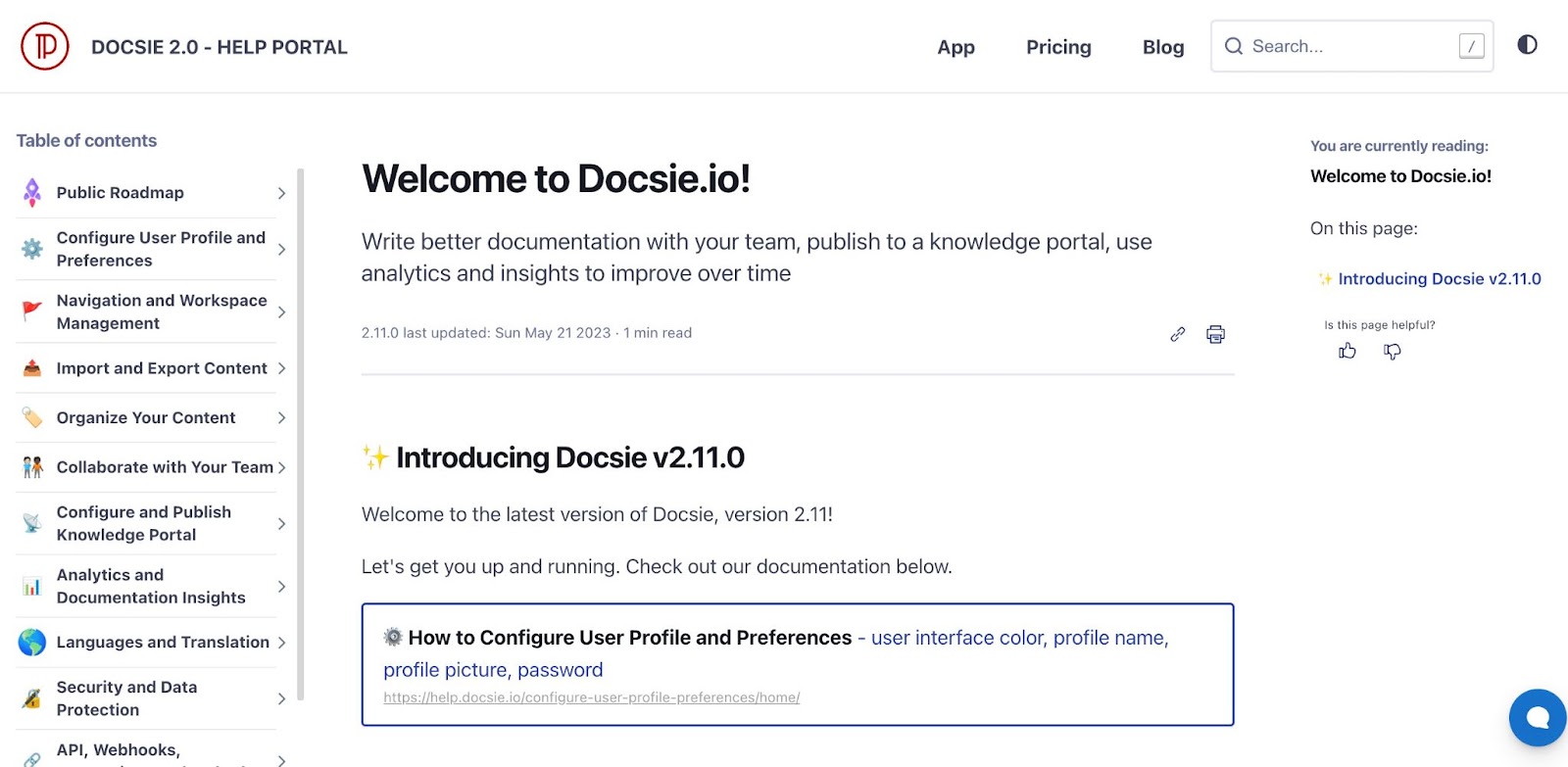
Summary: Docsie was founded in 2018 and has evolved into an AI-powered documentation platform built specifically for teams with video-heavy workflows. Unlike traditional documentation platforms that require manual content creation, Docsie solves the fundamental problem most platforms ignore: converting training videos, screen recordings, and demos into structured, maintainable documentation.
Core AI Capabilities: - Video-to-Documentation: Upload SAP training videos, Salesforce demos, Workday tutorials, or internal screen recordings → receive structured documentation with steps, screenshots, and searchable content automatically - Agentic AI System: AI agents that autonomously process documentation workflows, with free agentic AI credits included in all tiers - Multi-language AI Translation: Ghost AI translator supports 80+ languages with 40,000 automated translation characters in the free tier - AI-Powered Search: Semantic search across all documents and workspaces
Documentation Management: - Unlimited versions with full comparison and rollback capabilities - Real-time collaboration with comments, task assignment, and @mentions - Granular user roles and permissions (owner, editor, admin, viewer) - Time-stamped change tracking across all documentation - JWT verification for secure portals
Deployment Flexibility: Docsie works both as a standalone platform and as a complementary layer alongside existing tools: - Export to Confluence wikis - Publish to Notion workspaces - Use as the "video intelligence layer" while keeping current infrastructure
Common Use Cases: - SAP/Workday/Salesforce implementations: Convert 100+ training videos per rollout into searchable SOPs - Product training libraries: Transform demo recordings into user guides automatically - Knowledge transfer: Capture departing employee expertise from recorded sessions
Best For: Teams managing 50-500 training videos annually who need AI-powered conversion to documentation. Ideal for implementation consultancies, enterprise onboarding teams, and organizations running SAP/Workday/Salesforce rollouts.
G2 Rating: 4.8/5
2. Archbee
Customer Support:
- Online Chat, 99.9% SLA target (not guaranteed)
Pricing:
- Free trial: 14-day trial only (no ongoing free tier)
- Growing: $50/month (3 users, NO AI included)
- Scaling: $100/month (5 users, NO AI included)
- AI add-on: +$20/month
- App Widget: +$80/month
- API Access: +$80/month
- Analytics: +$80/month
- Important: Fully-featured setup costs $230/month minimum ($50 base + $20 AI + $80 widget + $80 API)
- See Pricing
Training:
- Product Tour, Sales Onboarding. Documentation
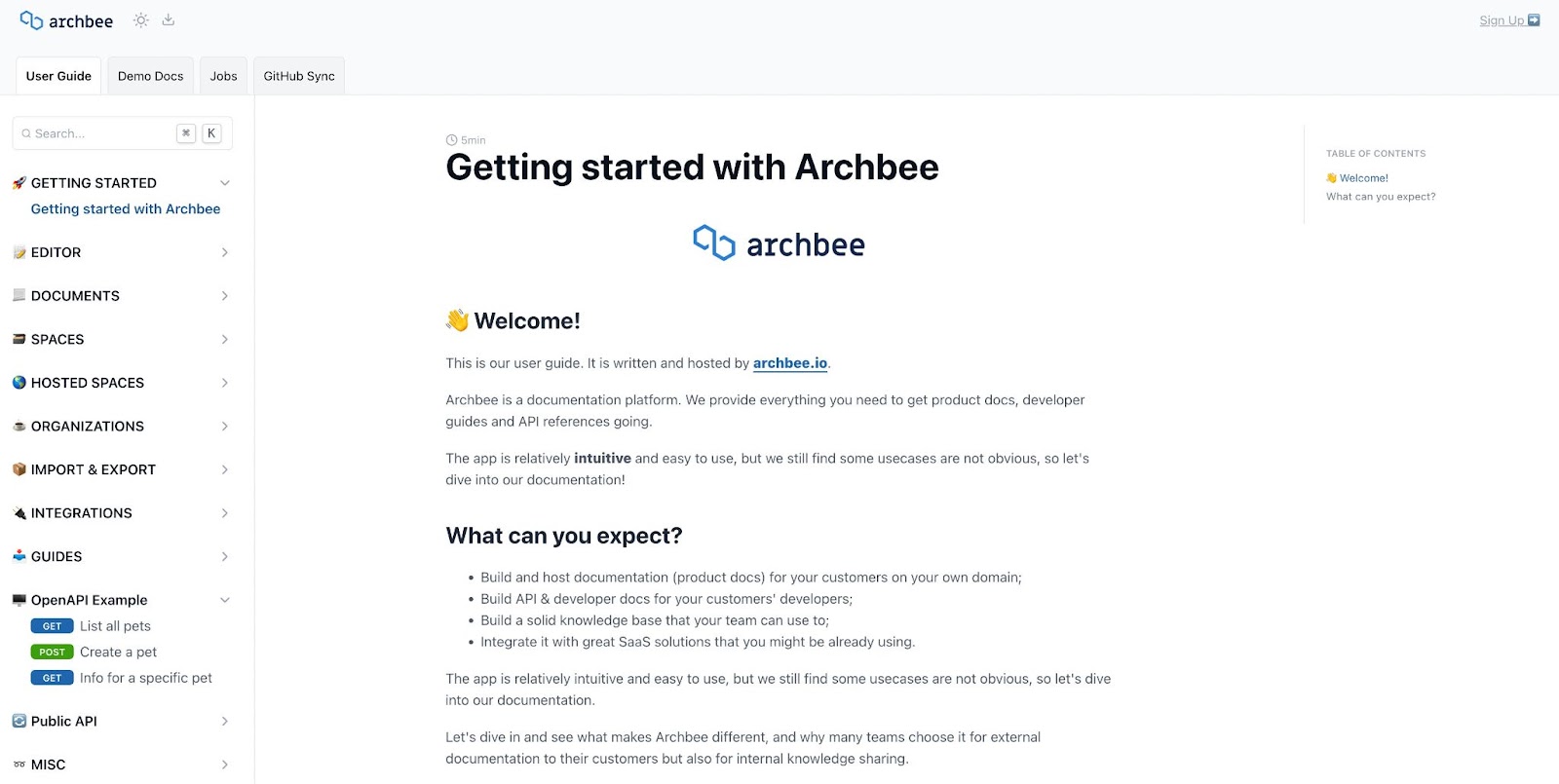
Summary: Archbee helps developers and businesses to create documentation for complex products and services. The process is simplified using a what-you-see-is-what-you-get (WYSIWYG) editor for drag-and-drop document construction. It also has global search with real-time indexing.
Archbee supports lists, checklists, tables, callouts, minitasks, file uploads, pictures and video, map integration, multi-language code editing and diagrams. Other integrations include Mermaid.js, Swagger, GraphQL, change logs and HTML iFrame embedding.
Business features include access controls, change management and version history, collaboration via commenting and real-time editing, and finally password-protection even with externally-facing docs.
⚠️ ARCHBEE ADD-ON COST WARNING
Archbee's advertised $50/month is MISLEADING. Most teams need add-ons that cost more than the base price:
Required Add-Ons for Full Functionality: - Base Plan: $50/month (3 users, NO AI, NO analytics, NO API) - AI Features: +$20/month - App Widget: +$80/month - API Access: +$80/month - Analytics: +$80/month - Print to PDF: +$80/month
Real Cost: $50 + $20 + $80 + $80 = $230/month minimum for AI + Widget + API
Compare to All-Inclusive Platforms: - Docsie Premium: $170/month (ALL features included, unlimited AI) - Confluence Premium: $104/month for 10 users (AI included)
Bottom Line: Budget for $200-300/month if you need AI, analytics, and API access. The $50 base price is incomplete.
Best For: Product docs on your domain, API references, developer guides. Best suited for teams who only need base features without add-ons.
Capterra Rating: 4.7/5
3. Confluence
Customer Support:
- Online Chat and Email, Knowledge Base, Community Forum
Pricing:
- Free: 10 users, 2GB storage (most generous free tier)
- Standard: Starting at $5.16/user/month (billed annually, price decreases with more users)
- Premium: $9.73/user/month
- Enterprise: Custom pricing
- Rovo AI included in all paid plans
- See Pricing
Training:
- Training and Certification, Community Forum, Documentation
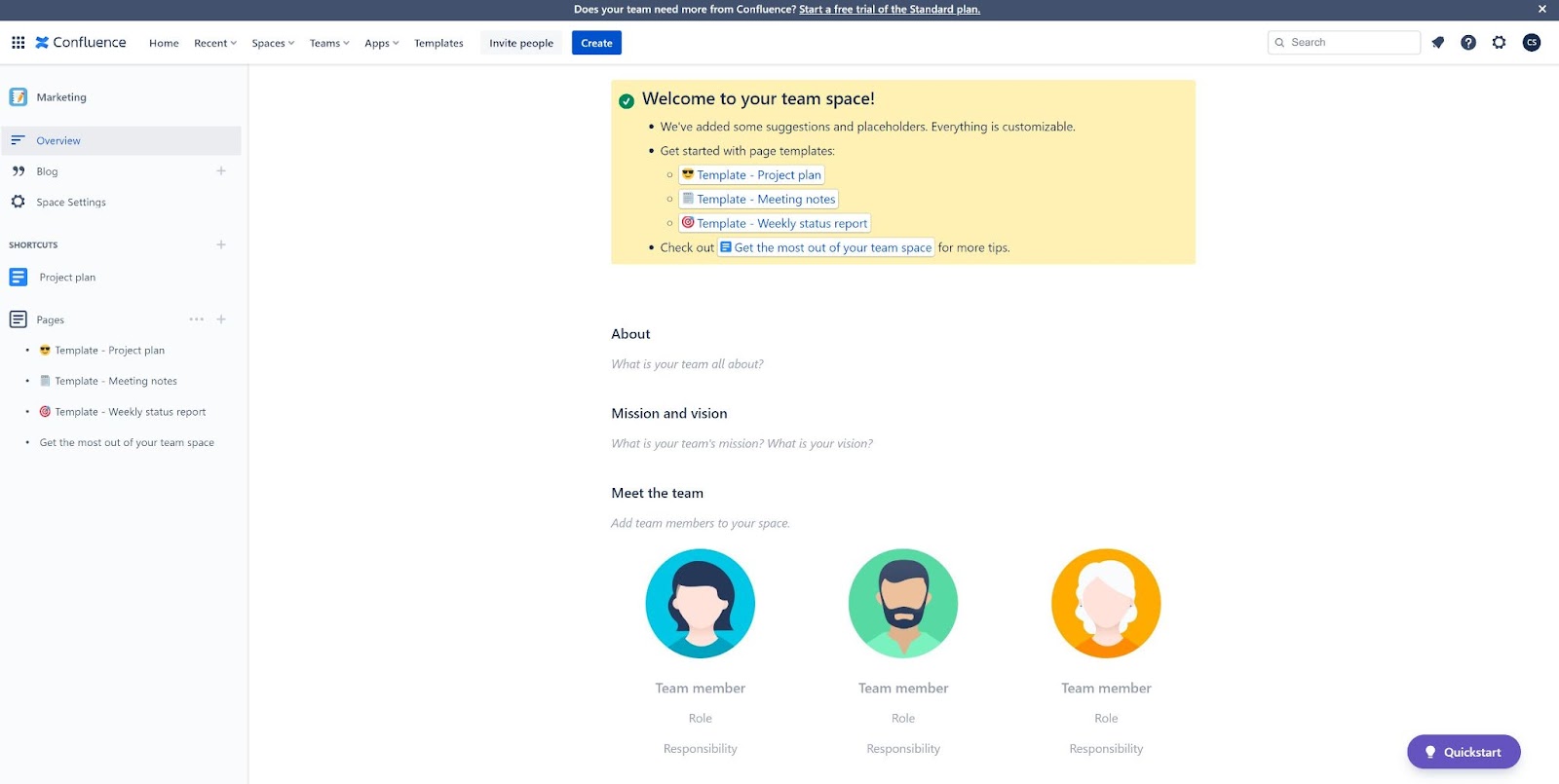
Summary: Confluence was launched by Atlassian in 2004 as an enterprise knowledge management system. It remains one of the most widely deployed internal documentation platforms, particularly for teams already using Jira or other Atlassian products.
Key Features: - Rovo AI: Now included in all paid plans, offering cross-tool search across 80+ connectors, AI chat assistant, and 20+ pre-built agents - Deep integration with Atlassian ecosystem (Jira, Trello, Bitbucket) - 75+ customizable templates - Robust permission system for enterprise security - Real-time collaboration with co-editing - 1,000+ marketplace apps and integrations
Free Tier Highlights: - 10 users (most generous in the market) - 2GB storage - Full access to core features
Video Documentation Note: Confluence excels at text-based wikis but lacks native video-to-documentation capabilities. Teams with video-heavy workflows often pair Confluence with AI video-to-docs tools like Docsie for converting training videos into Confluence articles.
Best For: Internal project documentation, particularly for teams using Jira for project management or requiring deep Atlassian ecosystem integration.
G2 Rating: 4.1/5
4. Document360
Customer Support:
- Email Support
- 24/5 support on paid plans
- Priority support available
Pricing:
- Free tier discontinued - All pricing now quote-based (contact sales required)
- Startup program: 6 months free + 50% off next 6 months for qualifying companies
- Contact Sales
Pricing Impact: Teams evaluating documentation platforms during SAP, Workday, or Salesforce implementations may need to factor in additional time (typically 1-3 weeks) for pricing discussions and custom quote processes. For teams preferring immediate budget visibility, Docsie publishes pricing at docsie.io/pricing (Free to $750/month published tiers).
Training:
- Book a Demonstration, Documentation
- Onboarding for Enterprise customers
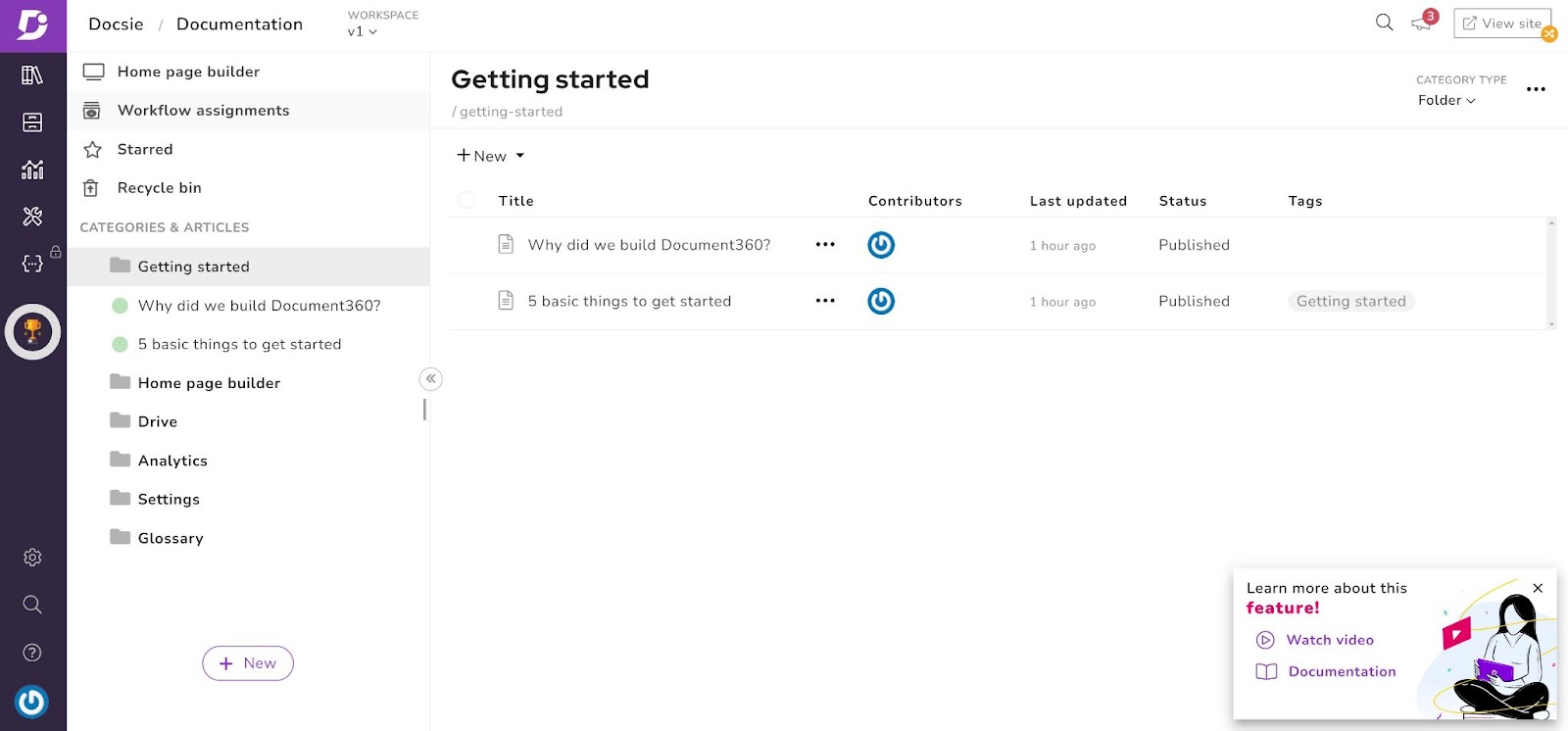
Summary: Document360 was founded in 2017 and is headquartered in London, United Kingdom. It's a knowledge management system specifically designed for the Software-as-a-Service (SaaS) industry, focusing on external-facing knowledge bases.
Key Features: - Eddy AI: Comprehensive AI suite including content generation from video/audio, FAQ generation, 50+ language auto-translation, and interactive decision trees - Multiple knowledge base management from single dashboard - Analytics and reporting for documentation performance - Enterprise-grade backup, restore, and version monitoring - Password and token-based access control - Integration with support tools (Zendesk, Intercom, Disqus)
Notable Changes: - Free tier eliminated in late 2024 - All pricing now requires sales contact - Startup program available for qualifying early-stage companies
Best For: Building external-facing knowledge bases for SaaS companies with primarily text-based content and established budgets for sales-led procurement.
G2 Rating: 4.7/5
5. Documize
Customer Support:
- Email Support, Knowledge Base
Pricing:
- Documize supports up to 10 users on its free trial. Beyond this, a monthly subscription cost is applied as the user count increases. See Pricing
Training:
- Feature Tour, Documentation HQ for onboarding.
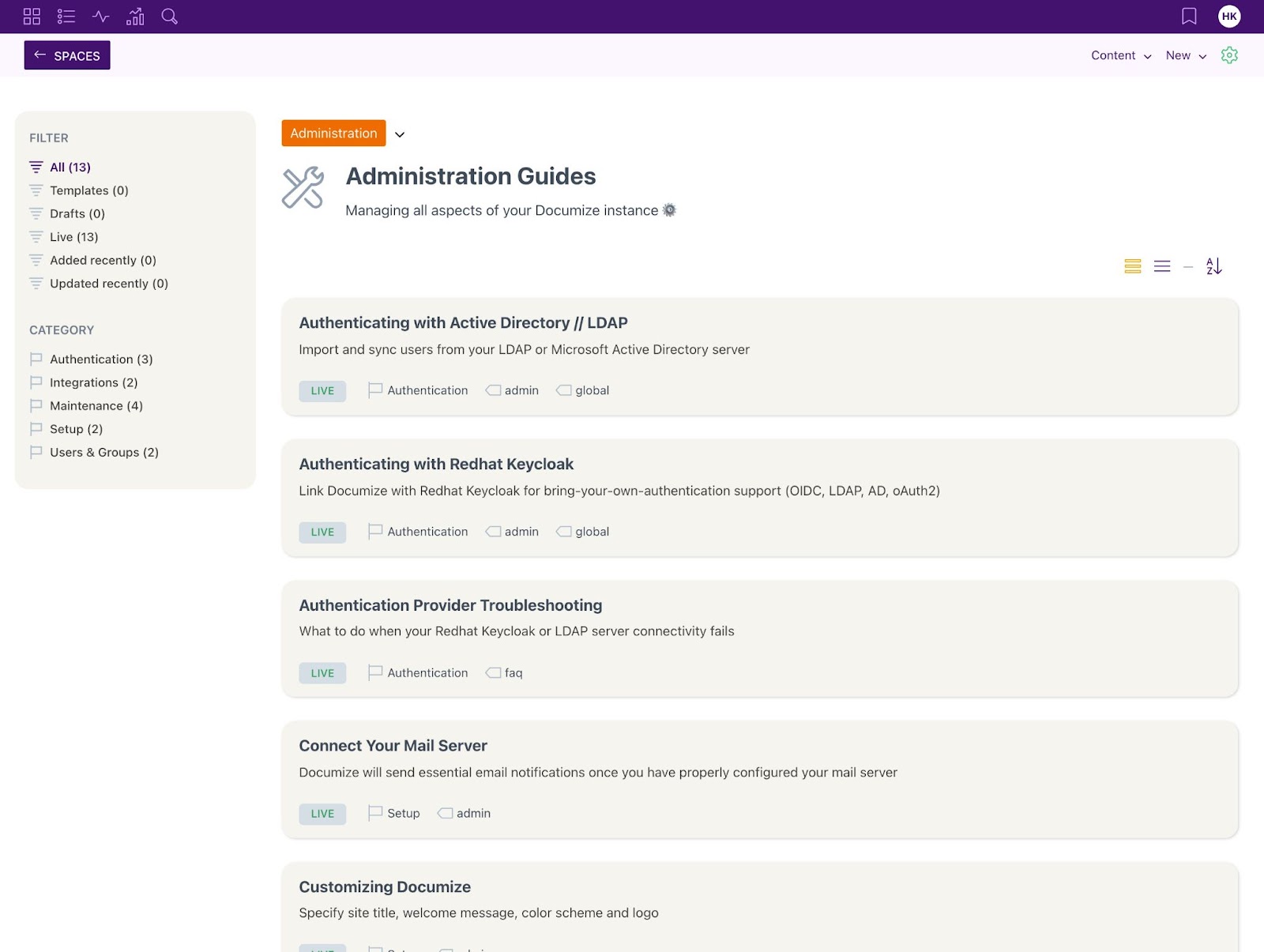
Summary: Documize was founded in February 2014. It organizes existing Word documents stored by companies, and makes them searchable. This enables greater collaboration and information discovery using a pre-existing documentation library.
With Documize, businesses can create a knowledge base using existing Word documents. The default template options allow for cut-and-paste snippets, helping to develop a broader knowledge library. Within documents, users can add rich text, code snippets, markdown, Jira or Trello boards and many others.
Documize enables change management procedures such as with requesting, approving and publishing documents or content. It also has version history and version control. Documize takes feedback from users and writers, acquiring feedback that can then be used to iterate and improve on documentation. This feedback includes user messages, interaction recordings and time-on-page metrics.
Best For: Importing Word docs and creating a searchable knowledge base
Capterra Rating: 4.6/ 5
6. GitBook
Customer Support:
- Email Support, GitHub presence.
Pricing:
GitBook uses a two-part pricing model (base site fee + per-user fee):
- Free: $0/month, 1 user, gitbook.io subdomain only, basic editor
- Premium: $65/site/month + $12/user/month - Custom domain, AI-powered instant answers, branded docs
- Ultimate: $249/site/month + $12/user/month - Search across all docs, authenticated access, AI Assistant
- Enterprise: Custom pricing - SAML SSO, dedicated support
- Open-source projects, non-profits, and students get free access
- See Pricing
Real Cost Examples:
| Team Size | Premium Total | Ultimate Total |
|---|---|---|
| 1 user | $65/mo | $249/mo |
| 5 users | $65 + $48 = $113/mo | $249 + $48 = $297/mo |
| 10 users | $65 + $108 = $173/mo | $249 + $108 = $357/mo |
Note: First user included in base fee, additional users $12/mo each
⚠️ Pricing Warning: GitBook significantly increased pricing in 2024-2025, moving from simple per-user rates to a two-part model with base site fees ($65-249/month) plus $12/user/month. A 10-person team now pays $173-357/month, making it 2-3x more expensive than competitors like Nuclino ($60/mo) or Slab ($67/mo) for the same team size.
Training:
- Option to book a demonstration. Otherwise, training is provided through documentation.
Summary: GitBook was founded in 2014 and is headquartered in Lyon, France. GitBook started as an open-source solution for GitHub project documentation.
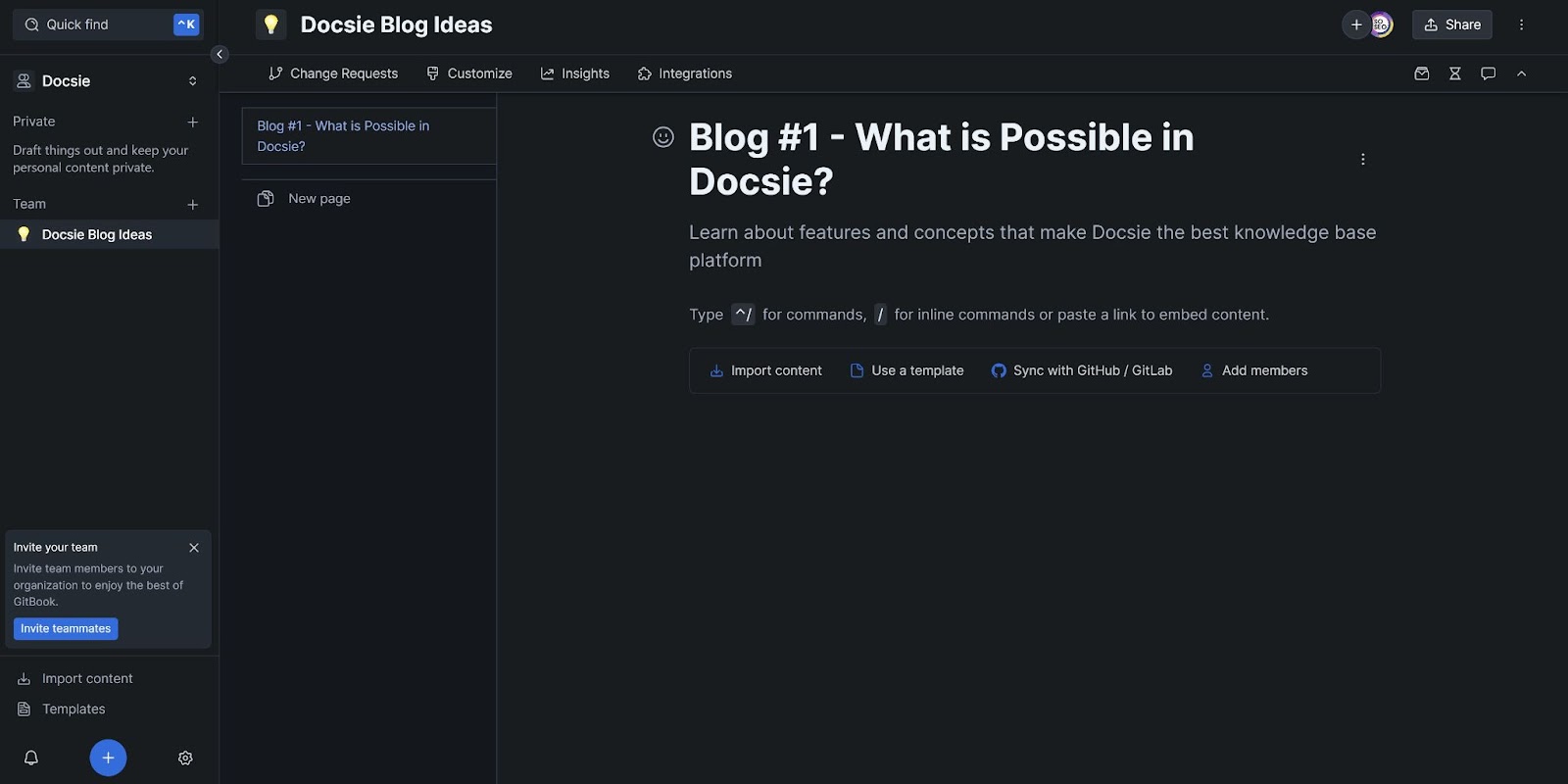
GitBook helps product documentation teams to organize, share and publish knowledge from a centralized documentation platform. This includes internal and external documentation. GitBook supports all text formats, countless programming languages and video or image content. It helps writers to develop and publish documentation without advanced design or coding skills. Integration with GitHub allows for document synchronization; updating docs as code changes in the repository. This includes save/merge support for asynchronous updates, and real-time collaboration between users.
Best for: Open-source projects (free tier) or well-funded teams needing developer docs with Git integration. Less cost-effective for growing teams due to base site fees.
Capterra rating: 5/5
7. Guru
Customer Support:
- Help Center, Email, Live Chat
Pricing:
Guru switched to a credit-based AI pricing model in 2025:
- Starter (Free): Up to 3 users, basic knowledge cards, limited AI credits, browser extension
- Builder: $10-12/user/month - Advanced features, more AI credits, analytics & insights, custom branding
- Enterprise: Custom pricing - Unlimited users, custom AI credit allocations, dedicated support, advanced security
- Important: AI features consume credits based on complexity. Heavy AI usage may require Enterprise tier for adequate credits.
- What Changed: Moved from unlimited free "Light users" to credit-based model where AI actions consume credits.
- See Pricing
Training:
- Guru Academy for video courses, Community forum and FAQ area, Developer Network.
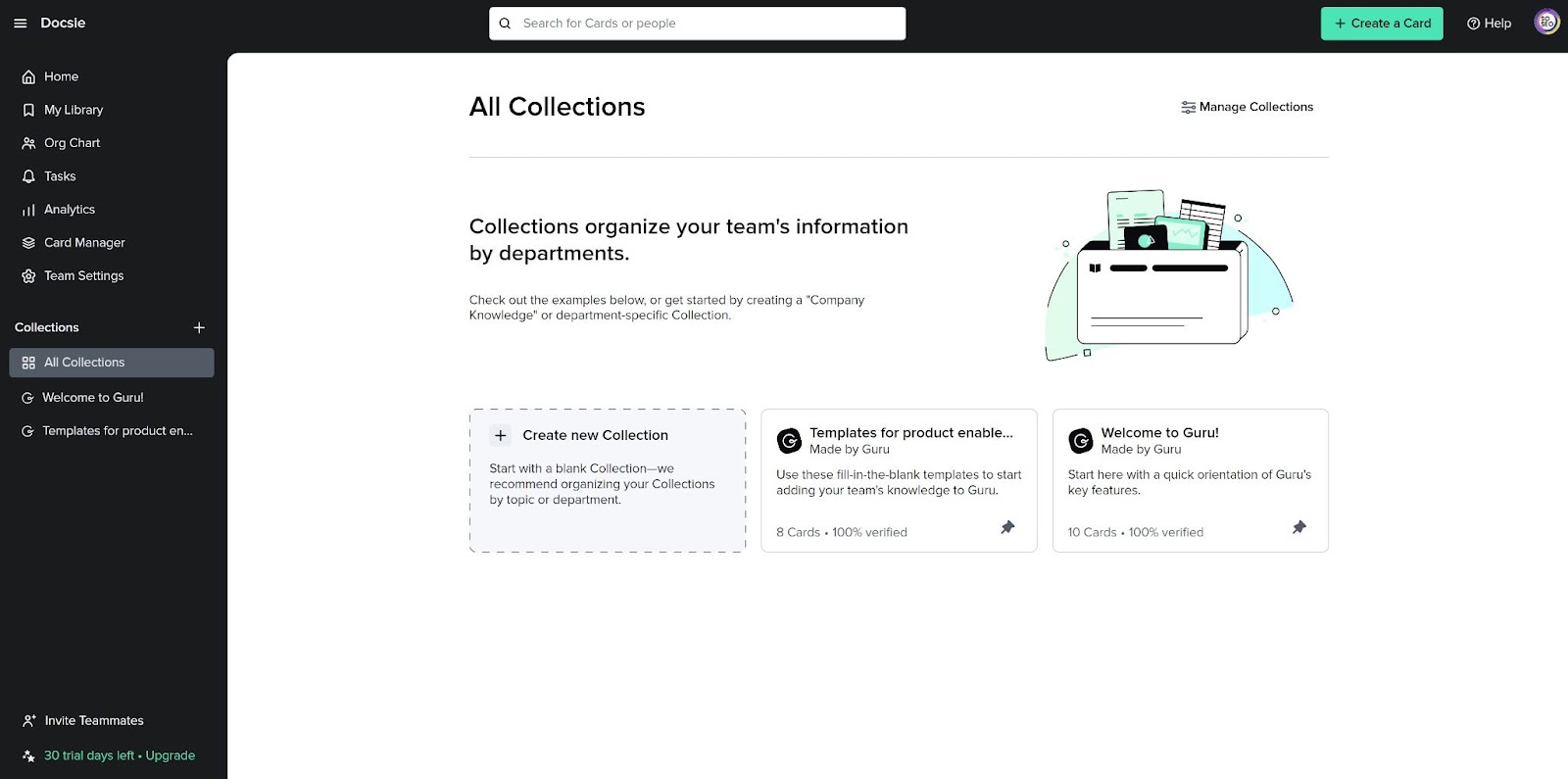
Summary: Guru was founded in 2013 and is headquartered in Philadelphia, PA. Guru is a knowledge management solution focused on collaboration. It is the world's first "revenue empowerment" network that leverages artificial intelligence to improve sales, support and customer success team effectiveness.
Guru allows for the creation of business wikis aligned with existing workflows. This ensures employees have access to all the relevant knowledge needed to fulfill their job role. Guru enables the creation, sharing and editing of documentation on the platform from external sources, integrating with existing workflows. This includes contextually-relevant, expert-verified information across Slack, Microsoft Teams, and email, alongside customer relationship management (CRM) tools. The Guru editor allows for importing, formatting, and editing of existing documentation, or the creation of documentation from scratch with export functionality.
Best For: Creating business wikis for internal use
Capterra Rating: 4.6/5
8. Notion Team Wiki
Customer Support:
- Web-based support over email. Live chat available in the app.
Pricing:
- Free: Limited blocks, 20 AI responses (one-time trial only)
- Plus: $10/seat/month - No AI included (same 20 AI trial)
- Business: $20/seat/month - Full AI included (GPT-4 + Claude)
- Enterprise: Custom pricing with full AI
- Important: Standalone AI add-on discontinued May 2025. Legacy users ($8-10/mo add-on) grandfathered.
- See Pricing
Training:
- Notion offers self-service documentation as an example to its users of the capabilities of the platform. Notion also provides templates and pre-configured pages to get up and running quickly. The platform does not provide direct training to customers.
Summary: Notion was founded in 2013 and is headquartered in San Francisco, California. Notion was created to help companies with notes, tasks, wikis, and databases. The software combines many common work applications into one, making it a one-stop shop for note taking, task management, and project management. The web app is accessible on most modern web browsers with dedicated application packages on Android and iOS.
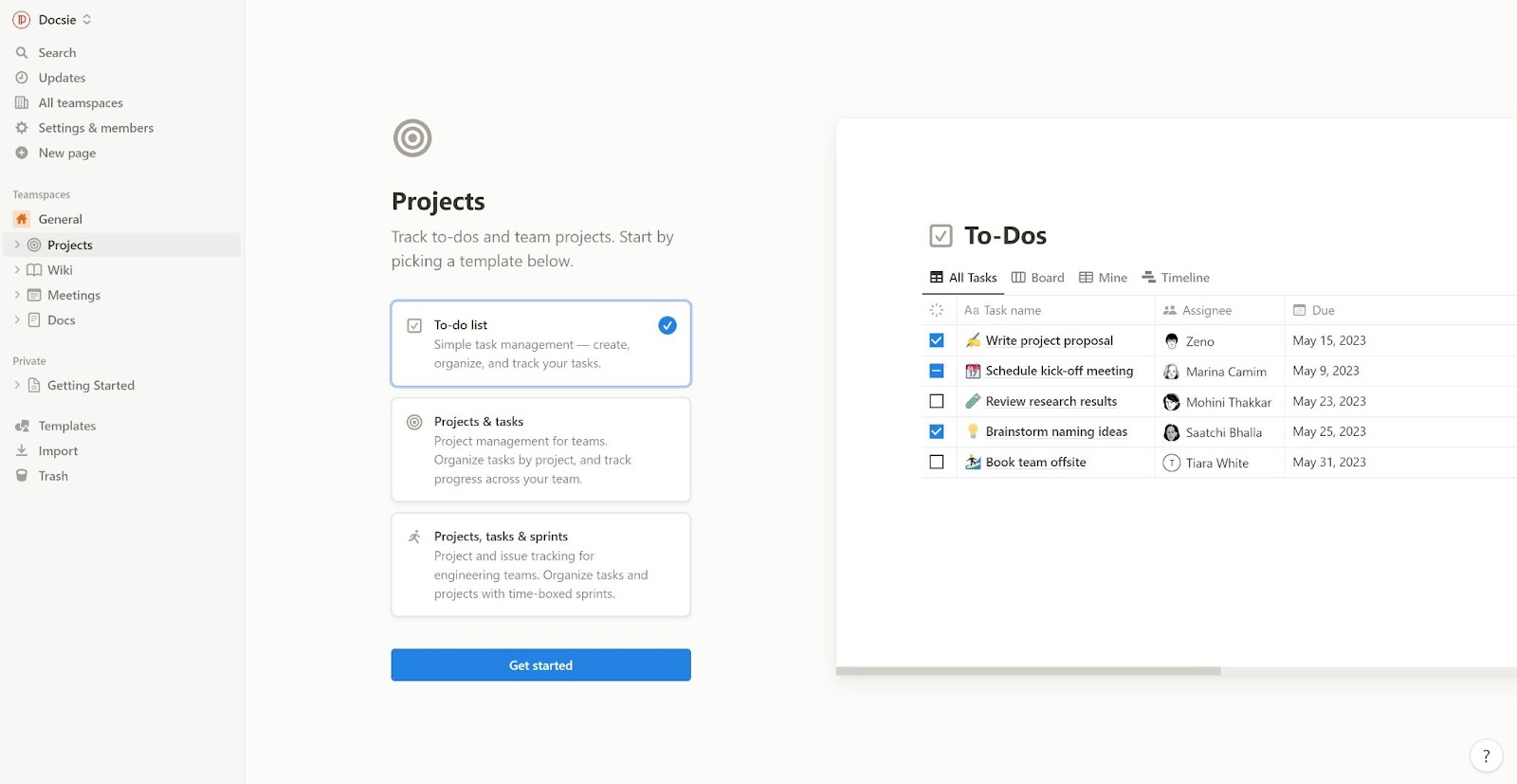
Notion Team Wiki is designed as a centralized storage location for team documentation. This ranges from office work policy documents to company goals and objectives. Other items could include employee contact information, engineering practice docs, and a centralized knowledge portal for employees and customers. It allows users to drag and drop lists, images, embedded content and videos using a WYSIWYG editor. Notion also supports page nesting with layered access controls. Additionally, Notion's Team Wiki allows you to share workspaces with documentation teams, enabling collaboration with comments and direct user mentions. These workspaces can be shared internally, externally or both ways with broad potential depending on how permissions are configured.
🚨 Major Notion AI Pricing Change (May 2025)
Notion restructured AI access in May 2025, eliminating the standalone AI add-on:
What Changed: - Standalone AI add-on ($8-10/month): DISCONTINUED - AI now bundled ONLY in Business tier ($20/user/month) and Enterprise - Free/Plus users: 20 AI responses (one-time trial only) - Legacy AI subscribers: Grandfathered at old pricing
Pricing Impact for Teams: - Want AI? Must upgrade entire workspace to Business tier - Can't add AI to Plus plan anymore - For 10-person team: All 10 users must be on Business ($200/month) even if only 3 need AI
Example Cost Comparison: - Before May 2025: $100 (Plus for 10 users) + $80 (AI for 8 users) = $180/month - After May 2025: $200 (Business for all 10 users) = $200/month
This change simplified pricing but forced all-or-nothing AI adoption. Teams needing AI for only some users now pay more.
Best For: Creating internal product documentation for teams already using Notion for project management. Consider Business tier if AI features are required.
Capterra Rating: 4.7/5
9. Nuclino
Customer Support:
- Email, Knowledge Base
Pricing:
- A basic FREE tier with 50 items and 2GB total storage. Paid tier allows for unlimited items and 10GB storage per user. See Pricing
Training:
- Learning Center available providing an overview of the platform in different business contexts (HR, products, projects)
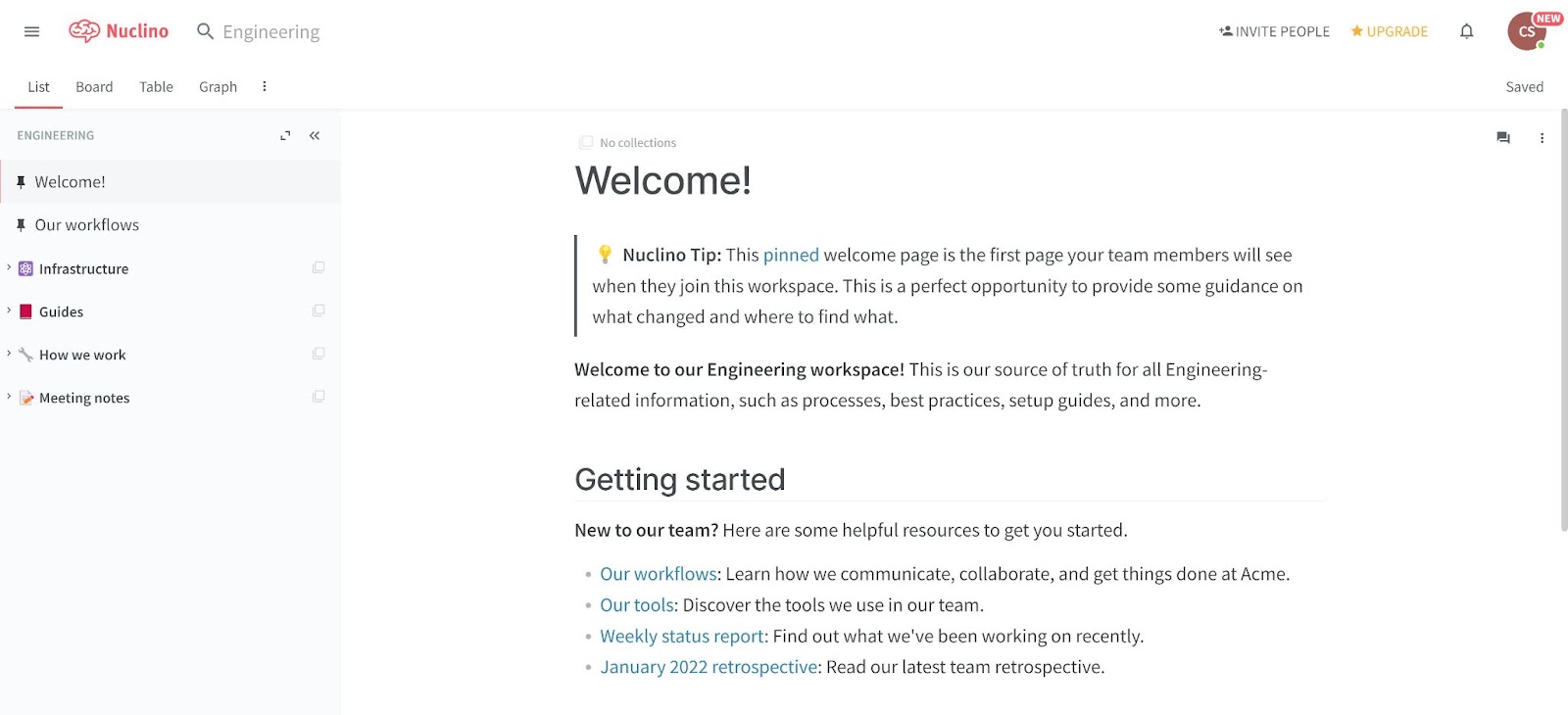
Summary: Nuclino was founded in 2015, and is headquartered in Munich, Germany. Nuclino is a simple and responsive real-time team wiki solution that enables greater productivity and collaboration. Teams can record, share and locate knowledge on the fly, with visibility into the real-time actions of team members as they edit and search.
Nuclino supports images, text, video, task management, embedded web elements and code blocks. It also natively supports markdown. All technical writing is time stamped with version history, and user changes can be seen in real-time. Nuclino is designed to have multiple users working on one page seamlessly, making change tracking and feedback easier. The search function uses indexing and caching for instant search results, with contextual filters for advanced search. Nuclino also allows for the visual representation of items using boards and graphs.
Best For: Creating a knowledge base to share information
Capterra Rating: 4.6/ 5
10. ReadMe
Customer Support:
- Email Support, Online Chat
Pricing:
ReadMe is specialized for API documentation, not general knowledge bases:
- Free: Basic OpenAPI documentation (limited features)
- Startup: $99/month per project
- Business/Enterprise: Custom quotes
- Add-on - Developer Dashboard: $100/month for 5M API logs (additional logs: $10 per 1M)
- See Pricing
Training:
- Knowledge Base, Virtual Tour, Customer Support.
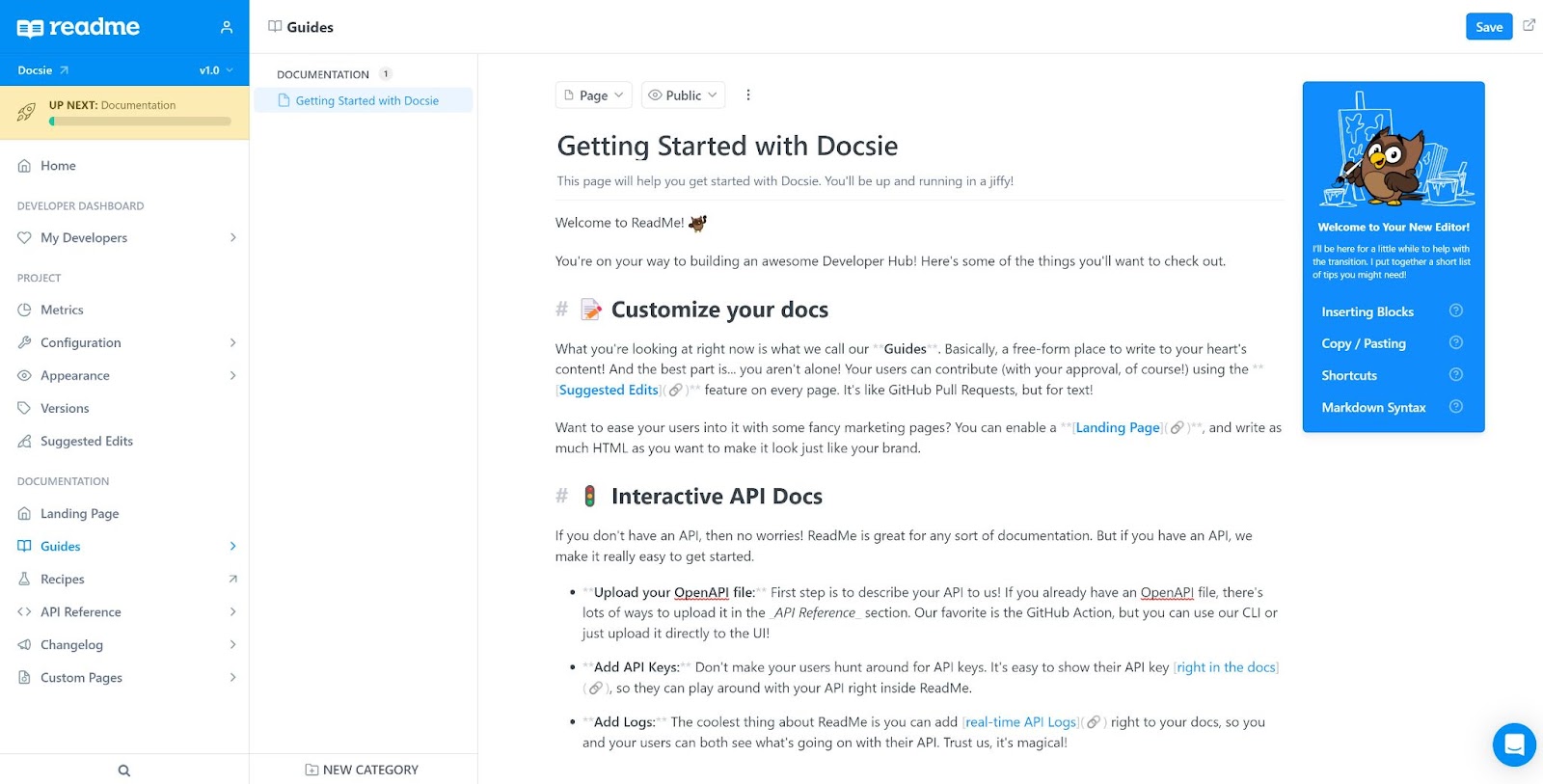
Summary: ReadMe was founded in 2014 and is headquartered in San Francisco, California. ReadMe is a specialized API documentation platform (not a general docs tool) built for developer-focused companies. It excels at creating interactive API references with "Try It" functionality that lets developers test API calls directly in the documentation.
Unique Features: - Interactive API playground ("Try It" - test API calls live) - Real-time API metrics & logs - OpenAPI/GraphQL auto-generation from spec files - Swagger/OAS file support - Versioning and change logs - Custom CSS frameworks and theming
Important: ReadMe is purpose-built for API documentation. Teams needing general knowledge bases, internal wikis, or non-API documentation should consider other platforms.
Best for: API-first companies needing interactive developer documentation with live API testing
Not Ideal For: General knowledge bases, internal wikis, or non-technical documentation
Capterra rating: No Reviews
11. Read the Docs
Customer Support:
- Open-Source Community, focus on community bug fixes and support. Community version has limited free support. Business version offers priority support.
Pricing:
- Free (Open Source): Always free for open-source projects (ad-supported via EthicalAds)
- Business Basic: $50/month
- Business Advanced: $150/month
- Business Pro: $250/month
- Enterprise: Custom pricing
- 30-day free trial for Business plans
- See Pricing
Training:
- Knowledge Base and Community Educators. Stack Overflow and Github communities.
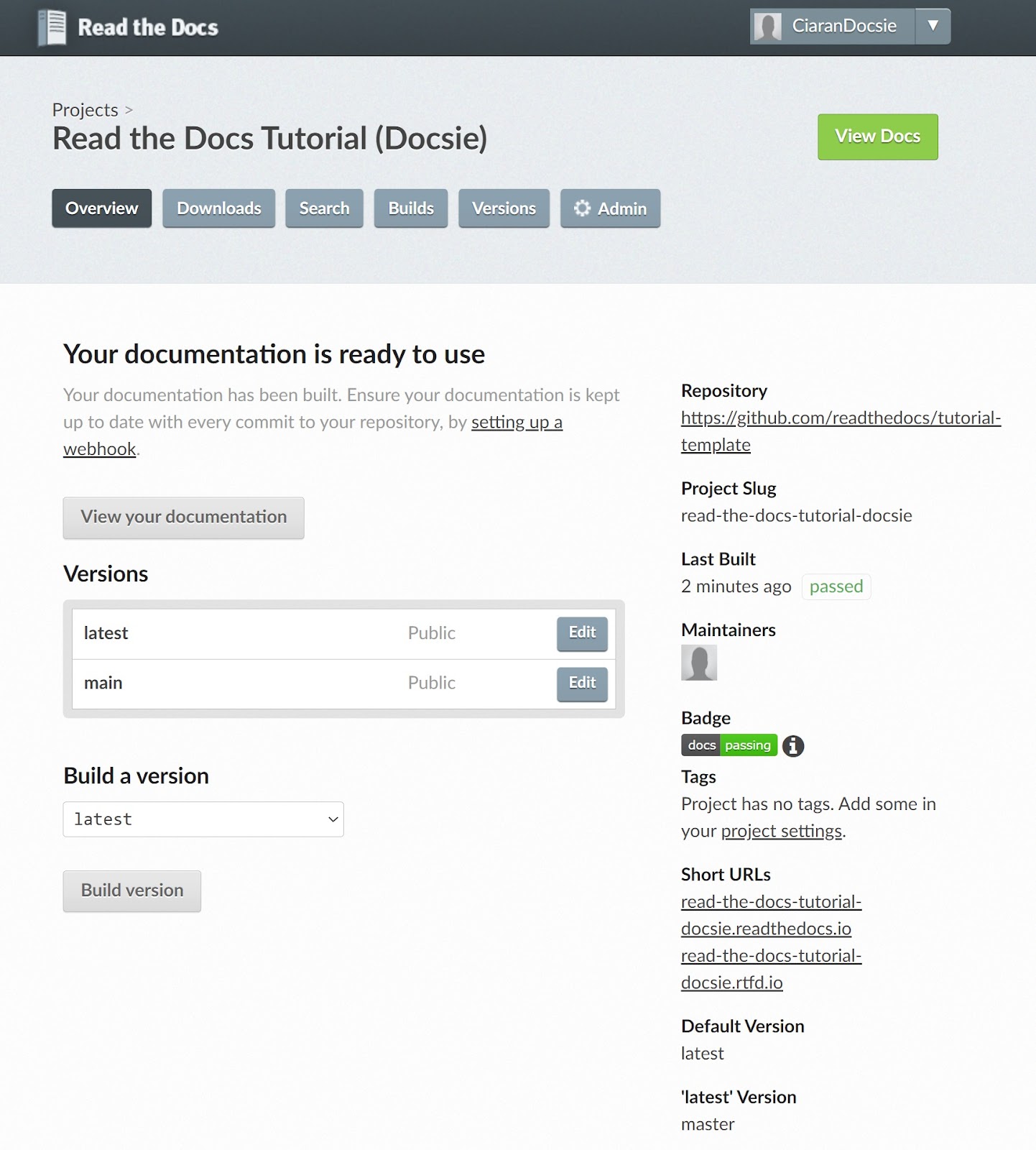
Summary: Read the Docs was founded in 2017 in Portland, Oregon. It's a docs-as-code platform built specifically for technical documentation using Sphinx, MkDocs, and similar static site generators.
Read the Docs is an online platform offering documentation services to the open-source community and businesses. It powers documentation for 100,000+ open source projects, enabling automatic building, versioning, and hosting directly from Git repositories.
Key Features: - Automatic builds from GitHub, GitLab, or Bitbucket commits - Multiple documentation versions from Git branches/tags - Export to PDF, single-page HTML, and ePub - Sphinx and MkDocs support (docs-as-code workflow) - Custom domains and theming
Important: Read the Docs is purpose-built for docs-as-code workflows (developers writing documentation in Markdown/RST alongside code). Teams preferring WYSIWYG editors should consider other platforms.
Best For: Open source projects and developer teams using docs-as-code workflows with Sphinx or MkDocs.
Capterra Rating: 4.6/5
12. Slab
Customer Support:
- Email Ticket
Pricing:
- The Slab Free tier allows for 10 users and 90 days of version history, albeit with a 10MB file size limit and no guests allowed. Startup and Business remove these limits at $6.67 and $12.50 respectively per user per month. Business also benefits from an uptime SLA. See Pricing
Training:
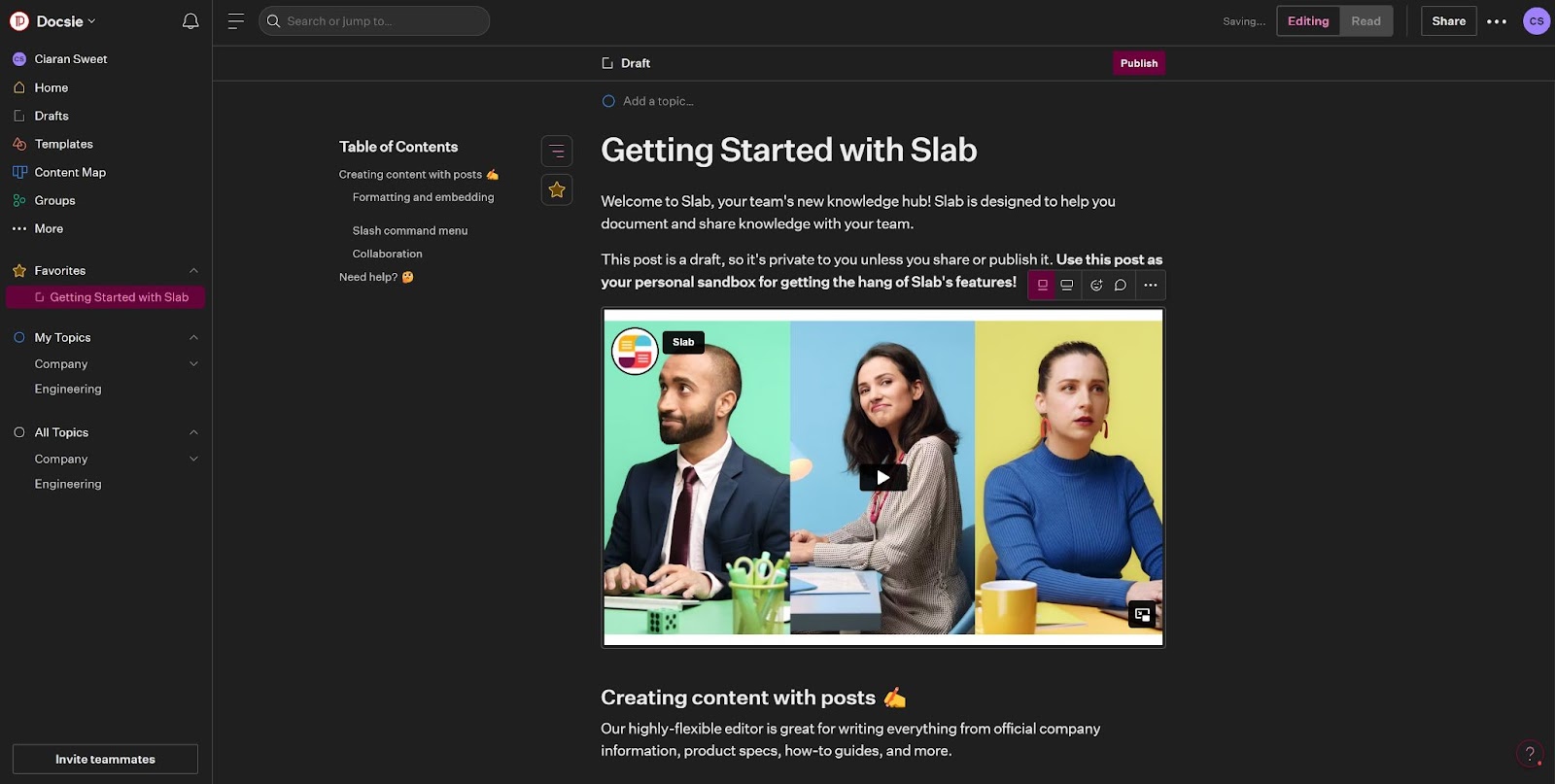
Summary: Slab was founded in August 2016 in San Fransisco, California. Slab is for modern businesses who need modern knowledge bases. Businesses use Slab to share learning materials and documentation, both internally and externally.
Slab is a knowledge base documentation platform that integrates with numerous other tools. This includes spreadsheets, slides, flowcharts, and tasks or projects. Slab supports various editing functions as found in Microsoft Word and others, all provided through a web application. Slab will automatically organize and create contextual links between information, including comments and collaborative input from team members. The result is a universal search function that can see documentation, team comments and project tasks in one place, even across numerous integrated tools.
Best For: Companies with existing integrations that want to centralize and streamline knowledge searching.
Capterra Rating: No reviews
13. Zendesk Guide
Customer Support:
- Help Center, Email, Live Chat
Pricing:
Important: Zendesk Guide is NOT a standalone product. It's bundled into Zendesk Suite plans only.
Zendesk Suite Pricing (includes Guide): - Suite Team: $55/agent/month - Suite Growth: $89/agent/month - Suite Professional: $115/agent/month - Suite Enterprise: $169+/agent/month - AI Add-on: +$50/agent/month extra - Free trial available, no free tier - See Pricing
⚠️ Pricing Structure Warning: Zendesk uses per-agent pricing (not per-user like documentation platforms). This means occasional contributors need paid agent seats, creating a "collaboration tax" that makes it expensive for documentation teams.
Training:
- Zendesk provides targeted training for the workforce, and offers certification for consultants and service providers.
Summary: Zendesk began operations in 2007 and is based in San Francisco, California. Zendesk is primarily a customer service platform, not a documentation platform. Zendesk Guide is the knowledge base component bundled within the broader Zendesk Suite.
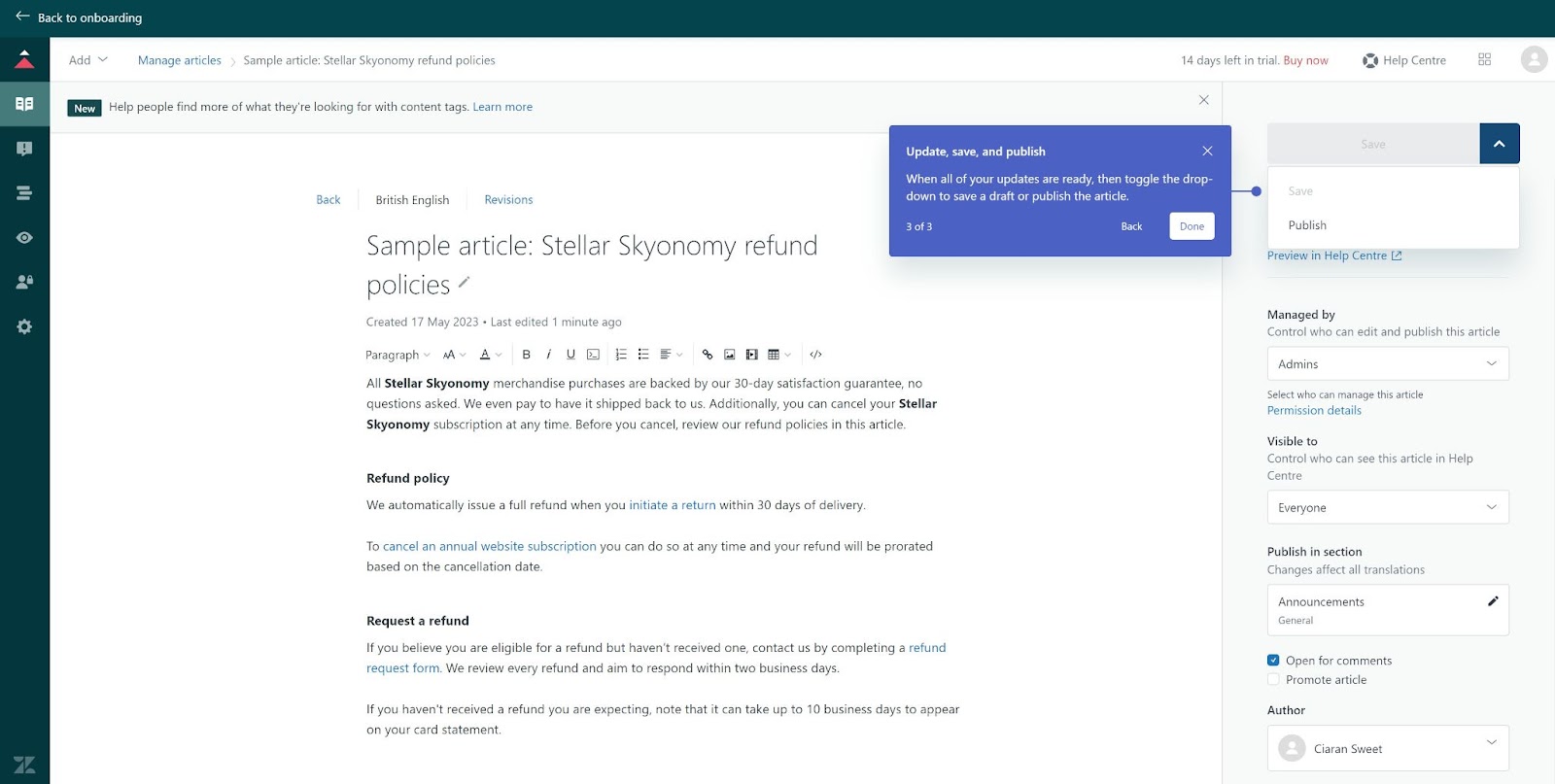
Zendesk Guide is designed to create customer-facing help centers that integrate with Zendesk's ticketing system. It converts support knowledge into self-service articles, reducing ticket volume. Features include Web Widget embedding, Mobile SDK integration, Answer Bot (AI-powered suggestions), and localization into 40+ languages.
Key Distinction: Unlike standalone documentation platforms (Docsie, Confluence, GitBook), Zendesk Guide is part of a customer service ecosystem. It excels when documentation needs to integrate with support tickets, live chat, and phone support—but is overkill (and expensive) for teams only needing documentation.
Best For: Companies already using Zendesk for customer support who want integrated knowledge base functionality.
Not Ideal For: Teams needing standalone documentation without customer service integration.
Capterra Rating: 4.4/5
14. Trainual
Customer Support:
- Help Center, Email, Customer Success Manager (Pro+ plans)
Pricing:
Important: Trainual is a training/onboarding platform, not a traditional documentation tool. It's designed for employee training and SOPs, not customer-facing documentation.
All plans include 10 seats, billed annually:
- Core: $249/month - Documentation & SOPs, training assignments, progress tracking, basic integrations. Additional seats: $3/seat/month
- Pro: $319/month (Most Popular) - Individual training paths, video transcriptions (15GB), 300 e-signatures/year, org charts, Customer Success Manager. Additional seats: $4/seat/month
- Premium: $399/month - Unlimited video storage, unlimited e-signatures, custom branding & domain, SSO. Additional seats: $5/seat/month
- Enterprise: Custom pricing - Implementation fee, white-glove migration, dedicated support
- See Pricing
Add-Ons: - Trainual+ Bundle: $49/month (training paths, unlimited e-signatures, custom domain, hosted videos, multilingual) - Pre-built Compliance Courses: Starting at $600/year (390+ expert-created courses)
Cost Examples:
| Team Size | Core | Pro | Premium |
|---|---|---|---|
| 10 users | $249/mo | $319/mo | $399/mo |
| 20 users | $279/mo | $359/mo | $449/mo |
| 50 users | $369/mo | $479/mo | $599/mo |
Training:
- Help Center, Onboarding support, Customer Success Manager (Pro+)
Summary: Trainual was founded in 2018 and is headquartered in Scottsdale, Arizona. Trainual is a training and onboarding platform focused on SOPs, processes, and employee training—it's fundamentally different from documentation platforms like Docsie, Confluence, or GitBook.
Key Features: - Training paths with role-based assignments - Progress tracking and accountability - Quizzes and knowledge checks - Video hosting with transcriptions (AI-powered) - Org charts and role documentation - E-signatures for policy acknowledgment - Content generation AI
Trainual vs Documentation Platforms:
| Feature | Trainual | Docsie/Confluence |
|---|---|---|
| Primary Use | Employee training & onboarding | Product documentation & knowledge base |
| Target Audience | Internal teams only | Customers & internal teams |
| Pricing Model | Flat rate (10 seats included) | Per-user |
| Focus | SOPs, training paths, quizzes | Versioned docs, AI translation, portals |
When to Choose Trainual: - ✅ Employee onboarding & training - ✅ Internal SOPs & processes - ✅ Compliance training with accountability - ✅ Role-based training paths
When NOT to Choose Trainual: - ❌ Customer-facing documentation - ❌ API documentation - ❌ Multi-version product docs - ❌ Technical documentation with code samples
Important Note: Trainual is not a direct competitor to documentation platforms. It's specialized for employee training and onboarding, not customer-facing documentation or knowledge bases. Consider Trainual if you need structured employee training; use documentation platforms (Docsie, Confluence, GitBook) for product docs, help centers, and knowledge management.
Best For: Companies needing structured employee onboarding, internal SOPs, and training accountability.
Not Ideal For: Customer-facing documentation, developer docs, or multi-version product documentation.
G2 Rating: 4.7/5
Platform Comparison Summary
Pricing and Free Tier Comparison
| Platform | Free Tier | Starting Paid Price | AI Features | Notes |
|---|---|---|---|---|
| Docsie | ✅ 5 users, unlimited docs/versions, 50 AI actions, custom domain | $170/mo | ✅ Video-to-docs, AI agents, 80+ lang | All AI included, no CC required |
| Confluence | ✅ 10 users, 2GB | $5.16/user/mo | ✅ Rovo AI included | Most generous free tier |
| Notion | ✅ Limited (20 AI trial only) | $10/user (no AI) or $20/user (with AI) | ⚠️ Business tier only | AI add-on discontinued May 2025 |
| GitBook | ✅ 1 user (subdomain only) | $65/site + $12/user/mo | ✅ Ultimate tier ($249/site) | Expensive for teams due to base fees |
| Archbee | ❌ 14-day trial only | $50/mo + $20-100 add-ons | ⚠️ $20/mo add-on | Expensive with add-ons |
| Document360 | ❌ Discontinued Nov 2024 | Quote-based | ✅ Comprehensive | Sales-led pricing |
| Nuclino | ✅ 50 items, 2GB | $6/user/mo | ✅ Business tier | Simple and lightweight |
| Slab | ✅ 10 users | $6.67/user/mo | ❌ None (by design) | AI for search only |
| Guru | ✅ 3 users (limited AI credits) | $10-12/user/mo | ✅ Credit-based AI | Credit-based model since 2025 |
| ReadMe | ✅ Basic OpenAPI docs | $99/mo/project | ⚠️ Limited | API docs specialist only |
| Read the Docs | ✅ Open source (ad-supported) | $50/mo | ❌ None | Docs-as-code (Sphinx/MkDocs) |
| Zendesk Guide | ❌ No free tier | $55/agent/mo (Suite) | ⚠️ +$50/agent add-on | Customer service platform, not standalone |
| Trainual | ❌ 7-day trial | $249/mo (10 seats) | ✅ Content gen, transcriptions | Training platform, not docs platform |
Use Case Recommendations
| Use Case | Recommended Platform | Why |
|---|---|---|
| Video-heavy training/implementation | Docsie | Only platform with native video-to-docs AI |
| Internal wikis (Atlassian users) | Confluence | Deep Jira integration, generous free tier |
| Flexible all-in-one workspace | Notion | Combines docs, tasks, databases |
| Interactive API documentation | ReadMe | Best "Try It" functionality |
| Developer docs with Git workflow | GitBook | Bidirectional GitHub sync |
| Customer service knowledge base | Zendesk Guide | Integrated with ticketing, phone, chat |
| Open source projects | Read the Docs | Free for OSS, automatic generation |
| Small team on budget | Nuclino or Slab | $6-6.67/user/month |
| Employee training & onboarding | Trainual | Training paths, quizzes, accountability |
| Internal business wikis | Guru | AI-powered search, Slack/Teams integration |
How to Choose the Right Platform
Start with your content type: - If 30%+ of your documentation comes from videos → Docsie (AI video-to-docs automation) - If you're primarily text-based and use Jira → Confluence (Atlassian ecosystem) - If you need interactive API docs → ReadMe or GitBook - If you want all-in-one workspace → Notion
Consider your budget reality: - Need comprehensive free tier: Confluence (10 users), Docsie (5 users + AI), Slab (10 users), Nuclino - Want published pricing with AI included: Docsie, Confluence, Nuclino - Want AI but watch for hidden costs: Notion (requires $20/user Business tier), Archbee ($20/mo AI add-on + other add-ons) - Comfortable with sales-led pricing: Document360, Guru, Zendesk Guide
Evaluate procurement timeline: - Need to start immediately: Choose platforms with transparent pricing and generous free tiers - Can wait 1-3 weeks for quotes: Sales-contact platforms
Conclusion
The documentation platform market is defined by AI capabilities, with video-to-documentation emerging as a critical differentiator for implementation-heavy organizations. While traditional platforms excel at text-based wikis and knowledge bases, teams managing 50+ training videos annually should prioritize platforms with AI video processing.
For teams with primarily text-based documentation needs, traditional platforms like Confluence, GitBook, or Notion may suffice. For video-heavy workflows common in SAP, Workday, and Salesforce implementations, Docsie adds a workflow layer that other platforms don't provide.
Frequently Asked Questions
1. What is the importance of a documentation platform for a company?
Documentation platform helps businesses share information internally and externally and simplifies the documentation process. They facilitate effective communication among teams and external shareholders. Some of the common uses of documentation platforms are in businesses that have to provide product information, user guides and user manuals for software products and more for easy access
2. What features should I consider when choosing a documentation platform?
There are several things you need to consider before selecting a documentation platform. Collaboration capabilities, version control, search functionality, user roles and permissions are some of the most important specific needs you need to take into account before finalising a documentation platform for the technical needs of your business. Other factors that you need to look out for are multiple language support, drag-and-drop capabilities and secure page options to get the best software documentation tools.
3. Are there any free to use documentation platforms?
Some documentation platforms provide free access to small businesses. However, these plans have limited features and restrict the number of users that can access the platform. Therefore, free plans offered by documentation platforms are limiting in nature.
4. How documentation platforms are priced?
Documentation platforms are usually priced in relation to the features they offer. The pricing could also depend on the total number of users that will be using the documentation platform in your company.